
Logging in to Synoptix
How to Access Your Account and Get Started Quickly
Introduction
Welcome to Synoptix! Before you begin exploring reports, dashboards, and analytics, you'll first need to access your account and complete any required setup steps.
This guide walks you through the login process from start to finish, including first-time account activation, authentication options, system requirements, security settings, and troubleshooting tips. Whether you're a new user or simply new to the 11 interface, you'll find everything you need to get up and running quickly.
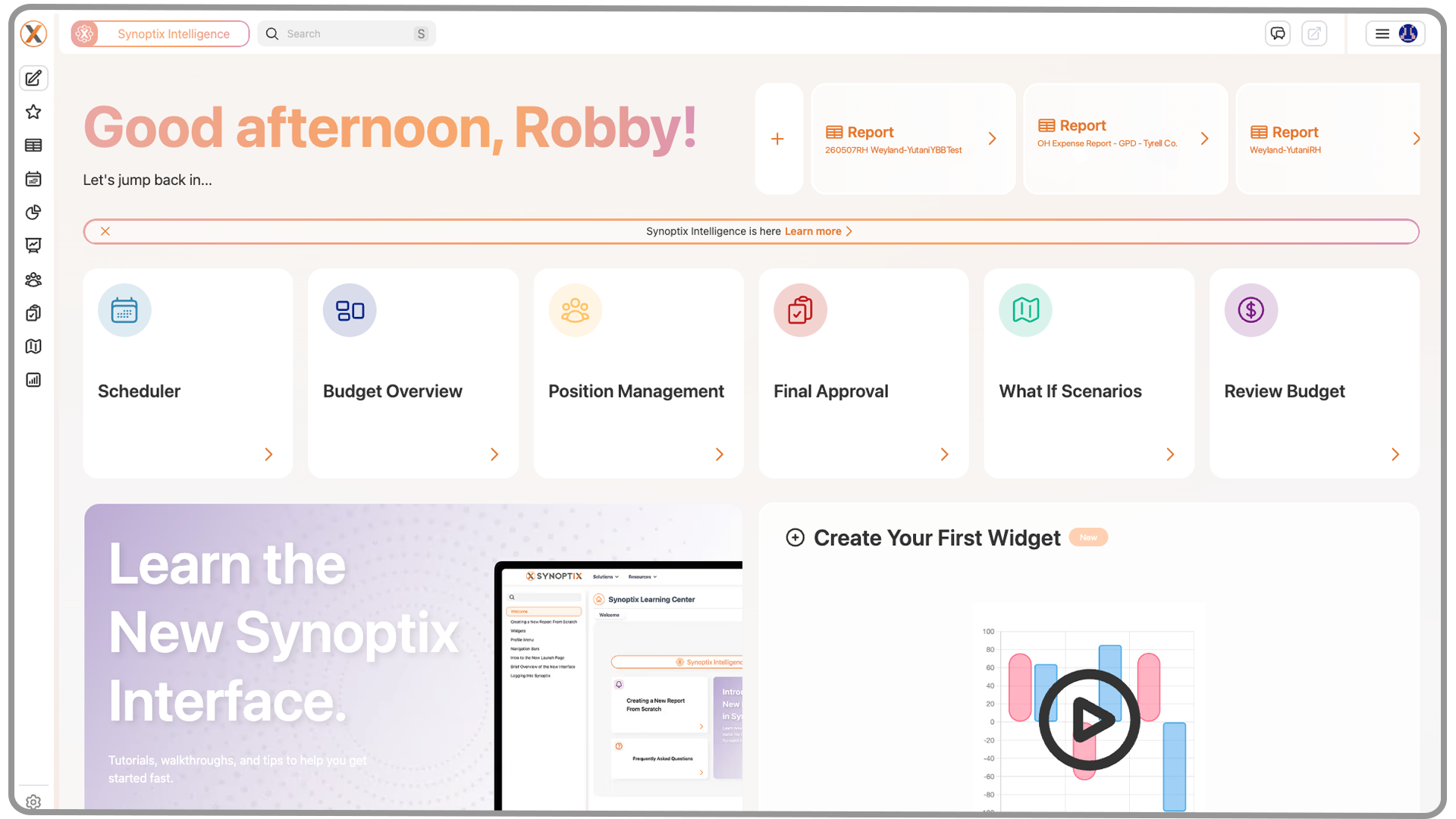
1. Getting Started with Synoptix
If your organization has just implemented Synoptix, you’ll receive a Welcome Email from the system.
This email will guide you through your first-time login process, including how to:
- Access your organization’s Synoptix login page
- Set your password
- Complete your initial account setup
Once your password is set, you’ll be ready to log in anytime.
2. Logging In
The login process is simple and depends on how your company has set up authentication.
If your company uses:
Single Sign-On (SSO)
You’ll be logged in automatically—no username or password required.
If your company uses:
Standard Login
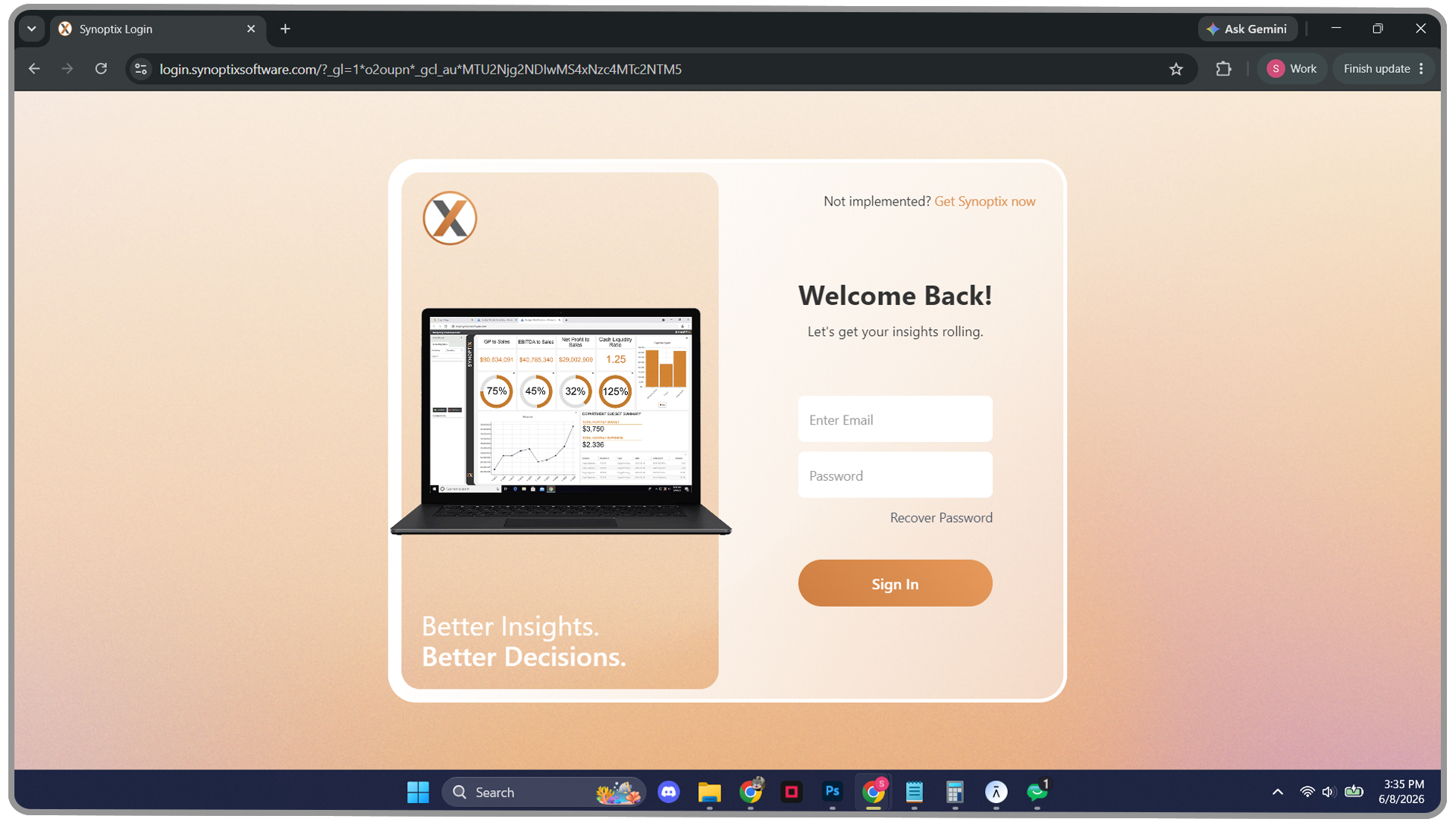
- Go to your Synoptix login page.
- Enter your Synoptix username and password.
- Click Login to access your account.
3. System & Network Requirements
For the best experience, Synoptix recommends using one of the following browsers:
- Google Chrome
- Microsoft Edge
Tip: Other browsers may function but aren’t officially supported.
You’ll also need to ensure you’re connected properly:
- If Synoptix is hosted on your organization’s network, connect through your company VPN or internal network (where Apache Tomcat is installed).
- If Synoptix is hosted by Synoptix or your ERP, you can log in from anywhere with an internet connection.
4. Save Time for Future Logins
To make future access even faster, bookmark your login page in your browser.
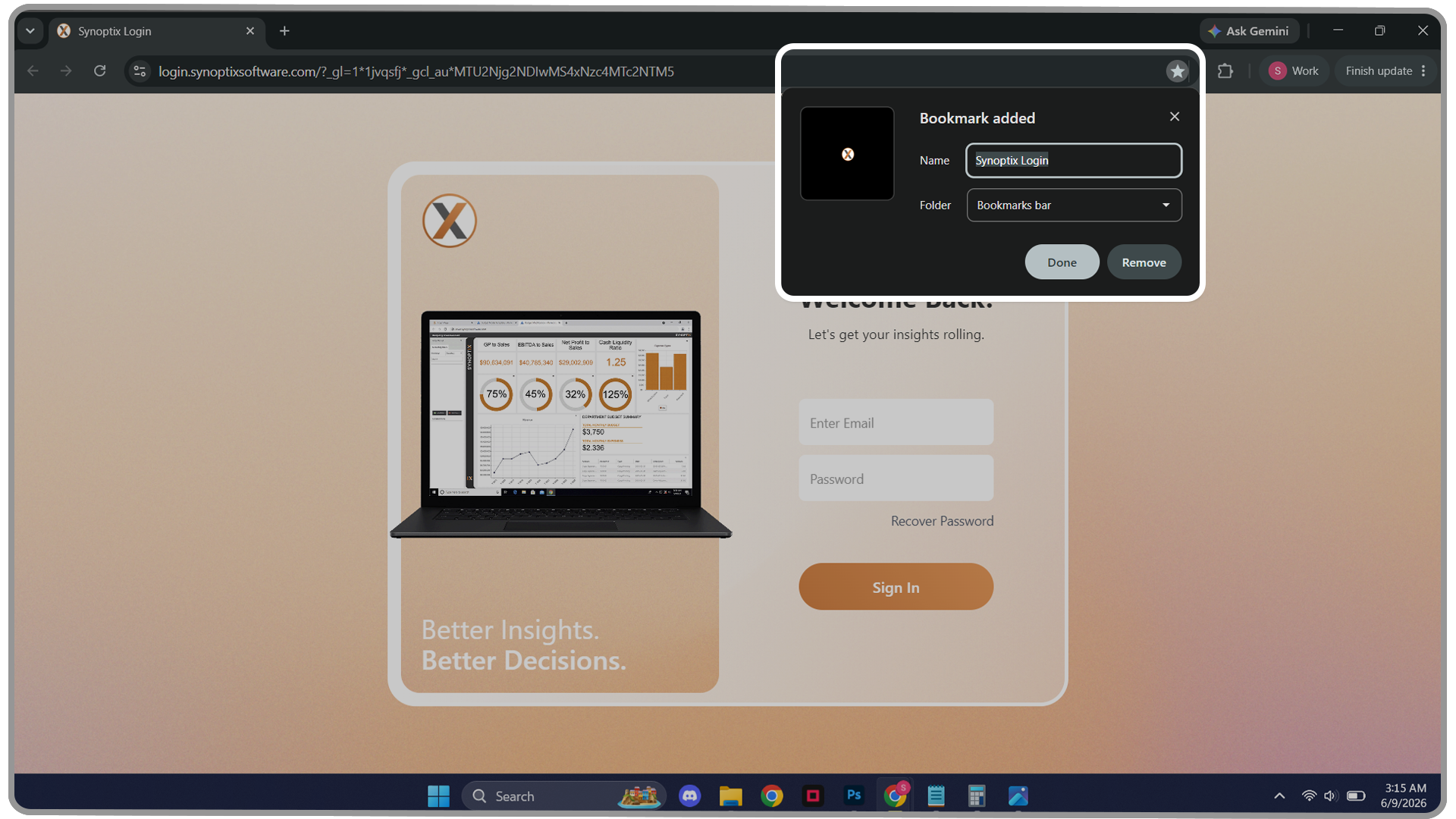
This ensures you can return to Synoptix with a single click.
5. Multi-Factor Authentication (MFA)
Your system administrator may choose to enable multi-factor authentication.
When MFA is turned on, you’ll confirm your login with an additional verification step—providing an extra layer of security for your account.
6. Troubleshooting Login Issues
If you encounter any issues logging in:
- Double-check that you’re connected to the correct network or VPN
- Make sure you’re using the supported browser versions
- If you’ve forgotten your username or password, contact your Synoptix Administrator for assistance.
They can reset your password or help you recover access.
7. What’s Next
Once you’ve successfully logged in, you’re ready to start exploring your Launch Page and begin working with your reports, dashboards, and insights.
For additional help, visit the Synoptix Learning Center for guides, tutorials, and videos designed to walk you through every part of the platform.

Synoptix Logo
Acts as a Home button, returning you to your Launch Page.
Pin Tab
Lets users choose whether new content opens in a new tab or replaces your current tab.
Create New
Opens a small window to create a new workspace or report.
Favorites
Expands to show your ten most recent reports and any items marked as favorites.
Reporting
Lets you search, filter, and access all reports, graphs, and packets.
Scheduler
Automates report generation and distribution across your organization.
Dashboard Designer
Create and customize your own dynamic dashboards.
Budgeting & Forecasting
• Budget Overview
• Budget Templates
• Position Management
• Final Approval
• What-If Scenarios
Access the full budgeting suite including:
Displays your full budget structure and progress at a glance.
Shows all templates by budget year and version.
Manage positions within your budgeting model.
Review and finalize budgets before submission.
Run hypothetical forecasts for planning flexibility.